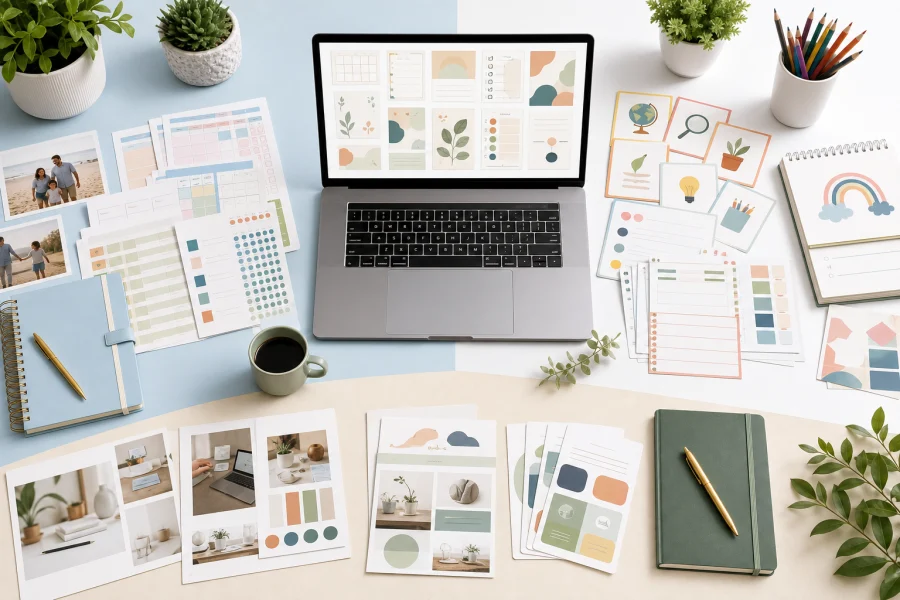
Families, teachers, and business owners often use different words for the same need: a reliable place to keep useful resources. A parent may want meal planners and routine charts. A teacher may want activity templates and station cards. A business owner may want launch checklists and product description frameworks. A shared resource library brings those materials into one organized system.
Reusable resources compound over time
The first time you use a template, it saves a little time. The tenth time, it becomes part of how you work. A resource library helps that value compound. Instead of losing a helpful checklist in a downloads folder, you give it a home, name it clearly, and make it easy to find again.
This is especially useful for people who manage multiple roles. A digital creator may also be a parent. A teacher may sell printables on the side. A small business owner may homeschool or organize community activities. Good resources can serve more than one area of life when they are easy to locate and adapt.
What belongs in the library
- Editable templates you use more than once.
- Printable planners, worksheets, and activity pages.
- Checklists for routines, launches, events, and projects.
- Brand assets, image folders, mockups, and design kits.
- Prompt frameworks for AI-assisted planning.
- Notes about licenses and where each asset came from.
Organization matters more than volume
A resource library does not need thousands of files. It needs clear folders, consistent names, and a habit of saving final versions. Start with broad categories such as Family, Teaching, Business, Images, Templates, and AI Prompts. Add notes when a resource has usage restrictions or requires a specific editing tool.
The goal is to create a practical memory for your projects. When a need returns, you should not have to search the internet again. You should be able to open your library, choose a strong starting point, and keep moving.
Discussion
Comments